Know what your job sites are doing right now
Crews clock in on site, tasks update as the work gets done, and costs land against the job that caused them. You find out today, not when the paperwork catches up.
If you're good with a hammer but bad with the paperwork
ZenHammer is the office your crew carries. The people doing the work enter it once, in the field, and it turns into your hours, your costs and your invoices.
Know who is on site, without calling anyone
Draw a boundary around each job site. Time entries are tied to that area, so you can see who is inside it right now instead of phoning the foreman for a headcount.
Updates arrive as the work happens
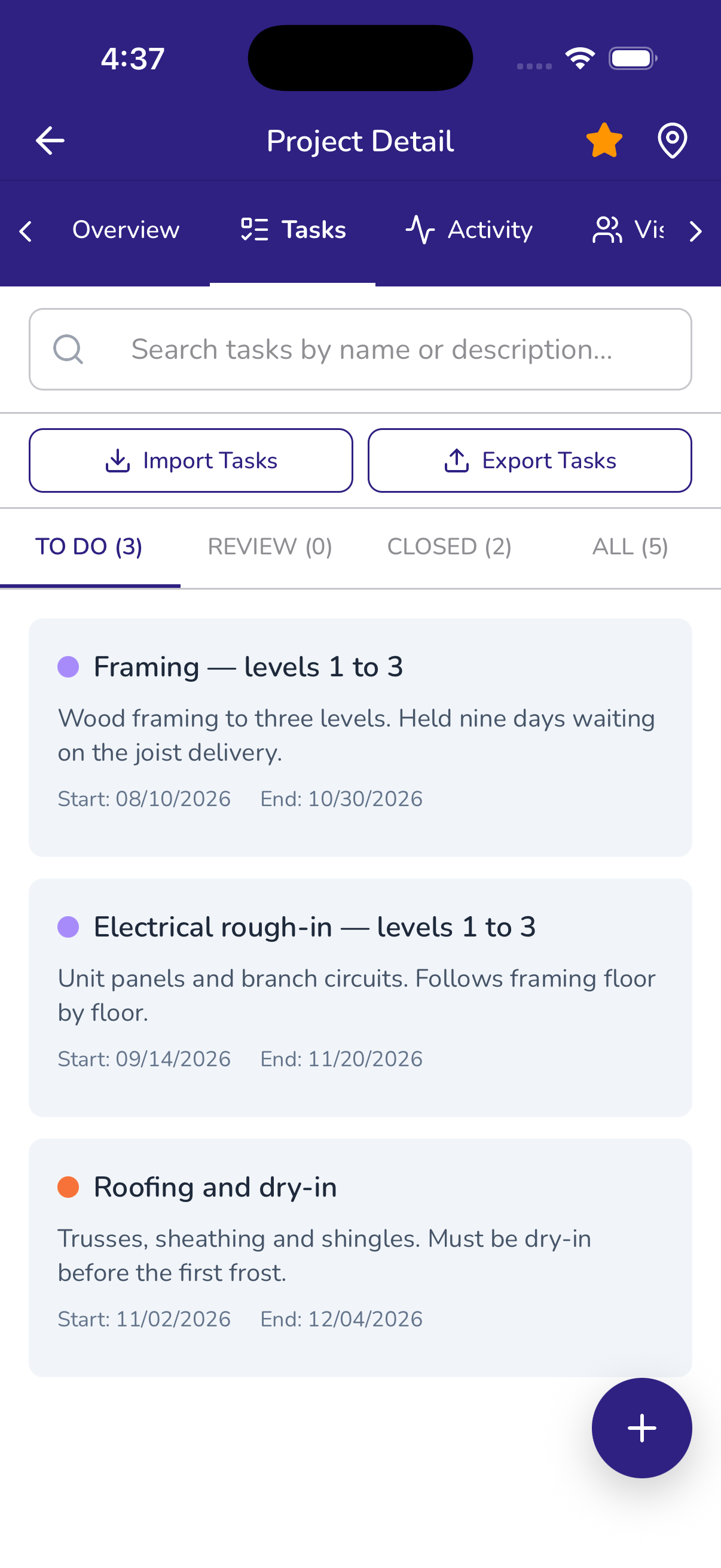
Crews and subcontractors update their own tasks from the field, with photos and notes attached. It lands on your project feed the moment they save it.
Costs attach to the work that caused them
Materials and equipment are logged against the task that used them, so labour, materials and equipment add up per project while the job runs — not in a spreadsheet afterwards.
Everything the job needs, in one place
From the first budget request to the final invoice, without re-typing the same numbers into three different tools.
Time tracking tied to the site
Hours are recorded against the right job automatically, and can be corrected later when someone forgets to clock out.
Delays you can prove
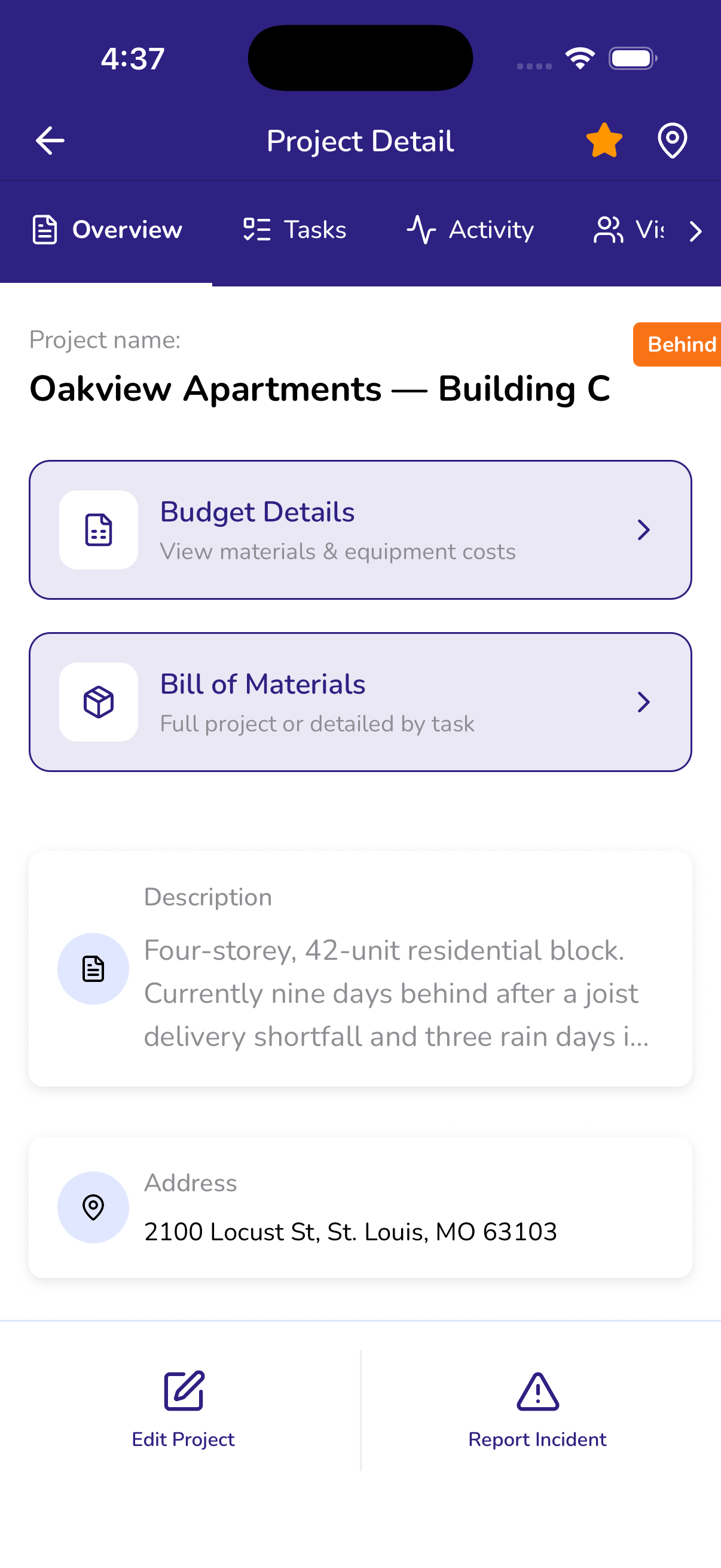
Log weather, accidents and material problems with the delay each one cost, in hours, days or weeks — so when a date moves you can show exactly why.
Budgets out to subcontractors
Send line-item budget requests to several subs at once and keep the back-and-forth in one thread instead of a mailbox.
Invoice from work already recorded
Bill from the hours and materials the job already produced, and get paid straight to your bank account. Nothing gets typed twice.
Know what you already own
Track what is on hand, what is reserved and what it averaged out to cost across your warehouses, before you buy it again.
A schedule that argues back
Sequence the work and get warned when a task is scheduled before the task it depends on.
Your crew and subcontractors will use our app to manage their tasks. As they update the status of each task, that update is sent to the feed for you to see as the task is updated.
Yes! The original app was built for the subcontractor in mind. If you work by yourself or manage crews and/or other subcontractors, you can use the platform as well.
Yes! Our project feeds can show you all your projects and you will be able to sort them based on what your looking for.
They do in order for you to get the updated information in real-time. The good news for your subcontractors is that they will also get real-time information related to their work as well.
We have offices in Johnson City TN and in St. Louis MO.
Yes we do. When you sign up, we will have a training to teach your crew and/or subcontractors how to properly use the platform.
Yes, we have a pricing system based on your needs.
We use Stripe to manage our invoicing system. When you sign up for invoicing, you will setup your account with Stripe as well. They handle all the money.
Click on our signup form and we’ll set up a time to go over your needs and then set a date for us to onboard you.